SecurityBackup and RecoveryCyber SecurityData ProtectionRODOPrivacy Protection16 min czas czytania18 502 znaki3016 słów
Website security - a comprehensive guide for businesses
Learn more about securityst. A practical guide with concrete tips and examples. Learn best practices and avoid common mistakes.
Redakcja Digital VantageYour Partner in Business, Digital Vantage Team · Digital Vantage team is a group of experienced professionals combining expertise in web development, software engineering, DevOps, UX/UI design and digital marketing. Together we carry out projects from concept to implementation - websites, e-commerce stores, dedicated applications and digital strategies.
Our team combines years of experience from technology corporations with the flexibility and immediacy of working in a smaller, close-knit structure. We work in agile methodologies, focus on transparent communication and treat each project as if it were our own business.
The strength of the team is the diversity of perspectives - from systems architecture and infrastructure, frontend and design, to SEO and content marketing strategy. As a result, the client receives a cohesive solution where technology, aesthetics and business goals go hand in hand.
Publikacja
Aktualizacja
What do you find in the article?
- Costs of cyber attacks - Did you know that a security breach of a small company can cost an average of PLN 150,000? Meanwhile, basic security is an expense of only 1-3 thousand zlotys per year. Maybe it's worth considering?
- 3-2-1 strategy for backups - This is a proven method of protecting business data. It allows you to recover all your information in as little as 24 hours after a disaster. Sounds like a plan, right?
- Impact of SSL on positioning - The lack of an SSL certificate can lower your Google ranking by as much as 20-30 places. In addition, as many as 85% of users will not choose to buy from a store that lacks a "padlock" in the browser. This is really something to take into account.
- Incident response plan - Having a ready scenario for action in the first 60 minutes after an attack is detected can significantly minimize losses and protect a company's reputation. This is not just theory, but a practical way to ensure security.
- RODO compliance without penalties - There are 5 specific technical measures that will help avoid DPA fines, which can reach as much as 4% of annual turnover. These seem not only reasonable, but necessary for any business.
Introduction - Why does every website need robust security?
One successful cyberattack can wipe out years of building a company's reputation. In 2024, the average cost of a security breach for small businesses was $3.31 million. Spending on comprehensive security is only a fraction of that amount.
Cyber attacks on small and medium-sized businesses are now at record levels. The IBM Security 2024 report shows that 43% of attacks are targeting the SME sector. To make matters worse, 60% of small businesses go out of business within six months of a successful attack.
This is no joke. The average cost of a security breach in the world is $3.31 million, and in Poland it reaches about 12.5 million zlotys. Meanwhile, annual spending on decent security is only a few to several thousand zlotys. The difference is huge.
As of 2014Google takes site security into account As a ranking factor. Sites without SSL drop in search results. Users see the "unsecured site" warning and often leave immediately.
Research shows that 84% of consumers abandon online purchases if data is sent over an unsecured connection. This translates into a direct loss of sales.
Modern website security consists of several layers. The first layer is basic server and application security. The second includes encrypting connections withSSL certificates.
The third layer isRegular updates to systems and applications. Without them, even the best security features become useless in a short time.
Backups anddata recovery plans are also crucial. In a ransomware attack situation, they are often the only way to quickly restore business.
Compliance with RODO must not be forgotten. Data protection violations risk penalties of up to 4% of a company's annual turnover.
Real-time threat monitoring allows for early detection of an attack. A quick response can mean the difference between a minor incident and a major disaster.
This article takes a comprehensive approach to security. We will analyze each element systematically - from basic security, to SSL and updates, to threat monitoring. All from the perspective of an entrepreneur who needs to make informed business decisions.
What security features provide a basic level of protection on the Internet?
Imagine a medieval castle. It was not based on just one thick wall, but on a whole defensive system consisting of moats, walls, towers and courtyards. The "defense in depth" philosophy works similarly in cyber security. Each layer of protection slows down a potential attacker, giving us more time to react.
Cybercriminals often exploit known vulnerabilities in popular CMS systems such as WordPress and Joomla. Another target is weak administrative passwords. In third place is the use of outdated plug-ins and components. These three vectors are responsible for as much as 78% of successful attacks on company websites.
Every professional website should have a basic set of security features. An application firewall (WAF) filters traffic, blocking suspicious requests. An intrusion detection system monitors for unusual activity. Regular virus scanning checks files for malicious code.
Log monitoring allows us to see who tried to access the system and when. Without it, we operate in the dark - we are unaware of problems until it is too late. Automatic alerts notify us of suspicious activity in real time.
A detailed guide to security can be found here:Website security
Choosing hosting is a crucial decision. A cheap provider can save on server security. Look for companies that offer automatic operating system updates, 24/7 monitoring and technical support. ISO 27001 security certifications are a good indicator of professionalism.
Server configuration should be based on the principle of least privilege. Disable unnecessary services, change default ports, configure automatic blocking after failed login attempts. Most attacks use the default settings.
Isolation is our last line of defense. A web application should not have direct access to the entire database. Use separate user accounts with limited privileges. This way, if an attacker takes control of the site, he won't automatically gain access to critical data.

Why are SSL certificates essential for online security?
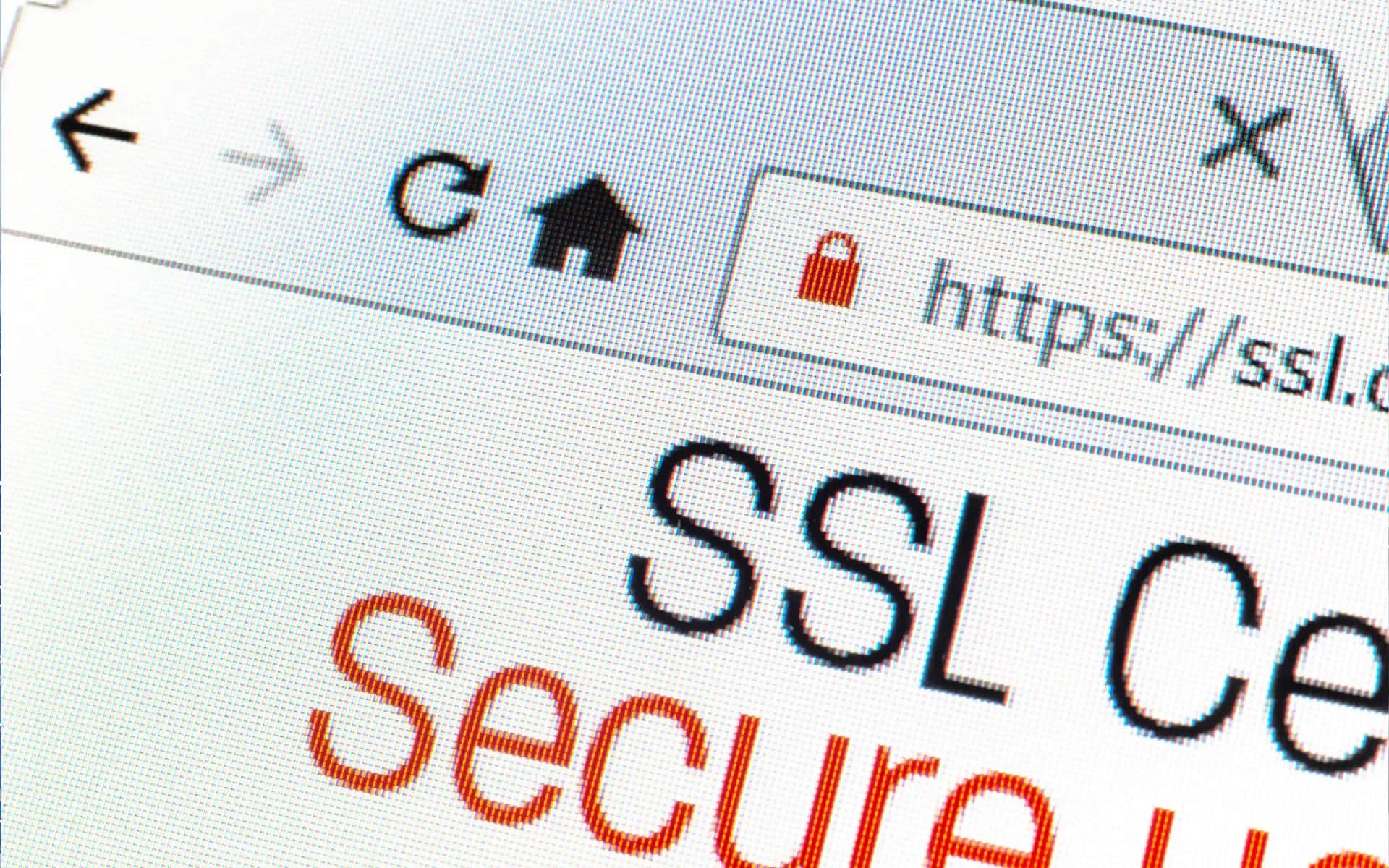
Using HTTP can be compared to sending a postcard with a password to a bank - anyone can see the data being sent, including customer logins, passwords and personal information. Since 2017, Google has been marking HTTP pages as "unsecure" in the Chrome browser, and Firefox and other browsers have followed suit.
Since 2014, Google's algorithm has favored sites using HTTPS. While this is not a huge jump in ranking, in competitive industries every factor matters. More importantly, it's about user trust. Research suggests that 85% of consumers check whether a site uses HTTPS before providing payment card details.
There are three basic types of SSL certificates available. Domain Validated (DV) verifies only domain ownership, is cheap and easy to obtain. Organization Validated (OV) additionally verifies the company's details in the registry. Extended Validation (EV) offers the highest level of verification, showing the company name in the browser address bar.
For most businesses, a DV certificate from Let's Encrypt - free and automatically renewable - will probably suffice. Online stores might consider OV or EV to increase customer trust.
You can find a full guide to SSL and HTTPS here:SSL and HTTPS - a guide
Migration from HTTP to HTTPS should be done systematically. First, install a certificate and test its operation on a test subdomain. Then redirect all traffic from HTTP to HTTPS using a 301 code. Update internal links in content and menus, and change addresses in Google Search Console and Google Analytics.
One of the most common problems is mixed content - a situation where an HTTPS site loads items over unsecured HTTP. Browsers may block these resources or display warnings. Another problem is invalid redirects, which can lead to loops or 404 errors.
Automatic certificate renewal is key. A Let's Encrypt certificate expires after 90 days, and manual renewal runs the risk of site downtime. Most web hosts offer to automate this process. If you're using a dedicated server, set up a CRON job to automatically renew and restart your web server.
How do regular updates affect system security?
Every unpatched vulnerability in a system is like an open door that invites hackers. An example is the 2017 WannaCry attack, which affected as many as 300,000 computers in 150 countries. The situation was the result of exploiting a vulnerability for which Microsoft had released a patch three months earlier. Companies that ignored the updates faced huge financial losses.
When you delay updates, you give cybercriminals an advantage. They already know about the vulnerability, have the tools ready, and you're still using a vulnerable system. It's a race you can lose at your own request.
To prevent this, a systematic update plan is necessary. WordPress, plugins, themes - all require regular attentiveness. And don't forget about the server's operating system. Create a schedule: install critical patches immediately, others every week or two.
Remember never to update the production site directly. First, make a copy of your site to a test environment. There, run the updates and make sure everything works properly. Sometimes a new version of a plugin can disrupt the site. It's better to discover this in a secure environment than on a running site.
Read more about the upgrade process here:System updates
Stay on top of security vulnerability announcements. WordPress publishes them on its official blog, plugins notify you through the admin panel, and operating systems use security mailing lists. Set Google alerts for the names of the software you use and add the word "vulnerability."
Not all updates have the same urgency. Critical vulnerabilities that allow remote code execution require an immediate response. In contrast, minor bug fixes can wait until the scheduled maintenance window. It's worth learning to recognize threat levels by CVE scale.
Prepare a backup plan. If a zero-day vulnerability is found in a plugin you are using, disable it temporarily, even if it loses some functionality. It's better to have a working site without a single feature than a hacked site with full access.
Always make a backup before any major update. If something goes wrong, you'll be able to restore the previous version in minutes. This is your safeguard when experimenting with new software versions.
Why is a data recovery plan essential for companies?
Today, ransomware poses some of the biggest threats to businesses. Hackers encrypt data and then demand a ransom to unlock it. How do you protect yourself from this? Regular backups are the key to rebuilding your system without having to pay criminals.
The 3-2-1 strategy is considered the standard among backup methods. It involves keeping three copies of data: the original and two backups. It is important that they are stored on two different media, such as a local drive and the cloud, with one of the copies in a different location. Such a principle is effective in protecting against various threats, such as fire, theft, hardware failures and ransomware attacks.
Automating the backup process is a great way to eliminate human error. Manual backups often fail - we usually forget about it at the worst moment. That's why it's a good idea to set up automatic backups to run every night. It's a good idea to do a full backup once a week, and incremental backups every day. The system itself will take care of regularity and peace of mind.
Remember that a backup is only valuable if you can actually recover data from it. Unfortunately, 34% of companies never test their backups, and half of them only discover defects when there is a crisis. That's why it's a good idea to test your data recovery process on a test environment every month to make sure everything is working as it should.
A complete guide:Backup and disaster recovery
Preparing for different failure scenarios is another important step. For example, a disk failure could mean data recovery in a few hours, while a ransomware attack on all systems could take days. In the event of an office fire, operations may need to be set up in a new location. Each situation requires a separate plan of action.
The two key metrics are RTO (Recovery Time Objective) and RPO (Recovery Point Objective). RTO is the maximum amount of time a company can afford downtime, while RPO determines how much data we can lose. An e-commerce site may need an RTO of 2 hours and an RPO of 15 minutes, while a corporate site can afford an RTO of 24 hours and an RPO of 4 hours. These parameters determine the backup strategy and associated costs.
Communicating with customers during a disaster is critical. Prepare ready-made email templates and messages for social media. Be honest and transparent - customers will appreciate it. Lack of information breeds speculation and destroys trust faster than the failure itself.
Cyber insurance can be the last line of defense. They can cover the costs associated with data recovery, crisis communications and even ransomware. The insurance premium is only a fraction of the potential losses. But make sure you meet the terms of your policy, which often require specific technical safeguards.
What do you need to know about RODO and data protection?
RODO is not just a regulation that you have to comply with. It's a key component of any company's security strategy. Violations of data protection can carry huge penalties - up to 4% of annual turnover. For a company with a revenue of 10 million zlotys, that could mean as much as 400 thousand zlotys in penalties.
Collect only the data that is really necessary. If you are running a newsletter, an email address is sufficient. A contact form doesn't need age or occupation information. The less data you collect, the lower the risk. Any additional information can become a target for hackers.
Regularly delete old data. If a customer unsubscribed from your newsletter a year ago, delete their email. Order data from several years ago? Anonymize personal data, leaving only statistics. The RODO imposes an obligation to "forget" data after a certain period of time.
Encryption is a way to protect data in case of hacking. Passwords should always be stored as a hash, not as plain text. Personal data in databases should also be encrypted. Even if a hacker gets into the server, he will only see unintelligible strings of characters.
Pseudonymization involves replacing names with codes. Instead of "John Smith," you use "customer_001." This still makes the data useful for analysis, but it is more difficult to link it to a specific person in case of a leak.
For more details on regulatory compliance, click here:RODO and Privacy
Control access to data like a safe. The marketing department doesn't need the phone numbers of accounting clients, and an intern shouldn't have access to the full contact database. Grant each employee only those permissions necessary for his or her job.
Conduct a security audit at least once a year. Check who has access to what data. Delete accounts of terminated employees. Test backup procedures. Assess the risk of any system that stores personal data.
In case of a security breach, report it to the DPA within 72 hours. Prepare procedures in advance. Create a reporting template, a list of contacts, a plan for communicating with customers. In stressful situations, it's easy to make mistakes that can lead to additional penalties.
Remember that the team is the weakest link in security. An employee who clicks on a phishing link can nullify the best security systems. Hold training sessions on RODO and cyber security at least once a year. Focus on practical scenarios, not just legal theory.
What are the best practices for monitoring and responding to threats?
Cybercriminals don't have a vacation. They can attack in the middle of the night, over the weekend or on a holiday afternoon. That's why your site needs protection around the clock, even when you happen to be resting. Monitoring systems act as digital watchdogs, continuously analyzing any suspicious behavior.
Modern anomaly detection systems learn your site's typical traffic. They recognize customer visit patterns, usual hours of activity and popular pages. If someone tries to log into your dashboard 500 times at 4 a.m., something is definitely wrong. The system automatically blocks the suspicious IP address and sends an alert.
Security logs are a digital log of all activities on a server. Who logged in, from what IP, at what time, what they tried to do. Unfortunately, many administrators ignore them, which can be a mistake. Analysis of the logs often shows attempted attacks as early as several weeks before they were successful.
Real-time alerts can be the difference between a small problem and a real disaster. A text message about suspicious activity at 2 a.m. can save your business. If the system detects a mass database copy, you can immediately block the connection, limiting the potential damage.
An incident response plan should be ready in advance. It is difficult to think clearly during an attack. List of contacts: hosting, programmer, lawyer. Procedures: what to do first, how to secure evidence, when to inform customers. All this should be written down, tested and available offline.
Having an in-house SOC (Security Operations Center) can cost an average company between 300 and 500 thousand a year. It's an investment in specialists, hardware, software and 24/7 on-call. Outsourcing to an outside company costs about 20-50 thousand zlotys - much less, with similar efficiency.
Hybrid solutions combine both methods. You outsource basic monitoring, but have your own administrator for day-to-day tasks. The third-party company handles the threats during off-hours and weekends. Your employee knows the ins and outs of the business and can quickly assess the severity of an alert.
For companies with more than 50 employees, consider hiring an in-house specialist with additional outside support. Smaller companies usually opt for full outsourcing, which is a cheaper and more financially predictable solution.
Summary - What practical steps to implement for better security?
Security is a long-distance run, not a quick sprint. You can't secure a site in one weekend. You need a systematic approach that is spread out over time, and a well-planned budget.
Setting priorities is key. Start with the basics - SSL and basic hosting security. These elements are key, protecting against about 70% of the simplest attacks. The next step is regular updates and backups. Without them, even the best security features can be useless within a few months.
Monitoring and RODO compliance are the next level of security. While they are important, they can wait for the next steps. Advanced threat detection systems are worth implementing after securing the basics.
The budget for cyber security should be about 3-5% of online revenue. For example, a company with an annual revenue of 500K from online sales should allocate 15-25K for security. While this may seem like a lot, it is worth remembering that the average cost of a successful cyber attack is as much as 12.5 million.
Spread the expenses over time. SSL and basic hosting is the first expense of 2-3 thousand. A backup system is another 3-5 thousand. External monitoring can cost about 10 thousand a year. You can implement these elements gradually, but don't put off the decision until later.
A realistic schedule is a must. In the first month, conduct an audit of the current state and implement SSL. In the second month, set up automatic backups and updates. In the third month, comply with RODO and start monitoring.
If you're inexperienced, don't try to do everything yourself. Even a small configuration error can be worse than no security, giving you a false sense of security while your system remains vulnerable.
The first step should be a professional security audit. Spending 3-5 thousand zlotys on a comprehensive analysis is an investment that will pay off. You will learn exactly where the weakest points are and what needs immediate attention.
Start taking action today. Every day of delay increases your risk. Hackers don't wait until you're ready. Make an appointment for a security audit and take the first step toward a peaceful future for your business.
What's next?
If you plan to implement in the next 2-3 months:
First steps:
- Conduct an IT security audit - Assess the current risks and weakest points in the system.
- Implement a 3-2-1 strategy for backups - Secure your data by creating backups in several locations.
- Install an SSL certificate - Ensure the security of customer data and improve search engine positioning.
Do you need help?
- Make an appointment for a free consultation - We will discuss your case and help you plan the implementation.
If you are still gathering knowledge:
Recommended articles:
- Web site guides for businesses - Practical security tips.
- Technologies - Learn more about technologies that support security.
FAQ
The most common questions about website security
Monthly costs for basic protection (SSL, firewall, monitoring) range between PLN 200-500. Medium-sized companies are likely to spend PLN 1000-3000 per month on professional solutions with backups. For more on comprehensive protection, see the articleSecurity. However, this is nothing compared to a potential cyber attack - on average it costs a company 50-200 thousand zlotys.
It's a good idea to deploy security updates almost immediately - ideally within 48 hours. Other CMS or plugin updates can be safely scheduled every few weeks. For more details on this topic, see the articleUpdates. Remember, however, to always test the changes on a working copy of the site first.
Absolutely yes - it's no longer an option, but a necessity. Google actually degrades sites without HTTPS in search results, and browsers display warnings that can scare away up to 70% of potential customers. For £50-200 a year, you gain not only better SEO, but most importantly user trust - more on this in the articleSSL and https.
If you regularly update content, it's worth doing a backup every day - for online stores or company blogs, this can be crucial. Other sites probably only need to be backed up once a week. For detailed information on methods and tools, see the articleBackup And Disaster Recovery. Follow the tried-and-true 3-2-1 rule: keep 3 copies on 2 different media, with one off-site.
Financial sanctions can reach as much as 20 million euros or 4% of annual turnover - although in practice Polish companies are more likely to receive fines of 10 to 100 thousand zlotys. The real headache, however, is the loss of customer confidence and the legal costs of handling the entire case. For more on regulatory compliance, see the articleRODO and Privacy.
Basic security measures like an SSL certificate or regular updates you can probably manage to implement on your own. However, advanced threat monitoring and rapid response to attacks already require specialized knowledge, which you can read more about in the articleSecurity. The best solution is to combine your own efforts with professional support on key security elements.
The first signs of an attack? The site may run abnormally slow, strange entries appear in the logs, and Google is likely to lower positions in the results. Sometimes browsers start warning users. A monitoring system will detect most problems in a few minutes. For more on protecting against attacks, see the articleSecurity.
About the Team
Digital Vantage Team
Your Partner in Business, Digital Vantage Team
Digital Vantage team is a group of experienced professionals combining expertise in web development, software engineering, DevOps, UX/UI design and digital marketing. Together we carry out projects from concept to implementation - websites, e-commerce stores, dedicated applications and digital strategies. Our team combines years of experience from technology corporations with the flexibility and immediacy of working in a smaller, close-knit structure. We work in agile methodologies, focus on transparent communication and treat each project as if it were our own business. The strength of the team is the diversity of perspectives - from systems architecture and infrastructure, frontend and design, to SEO and content marketing strategy. As a result, the client receives a cohesive solution where technology, aesthetics and business goals go hand in hand.