Category
UX/UI design
UX/UI design
UX/UI design is not just about pretty views. It's a planned user experience that directly affects the effectiveness of a website or application - although, truth be told, a pretty look isn't always enough.
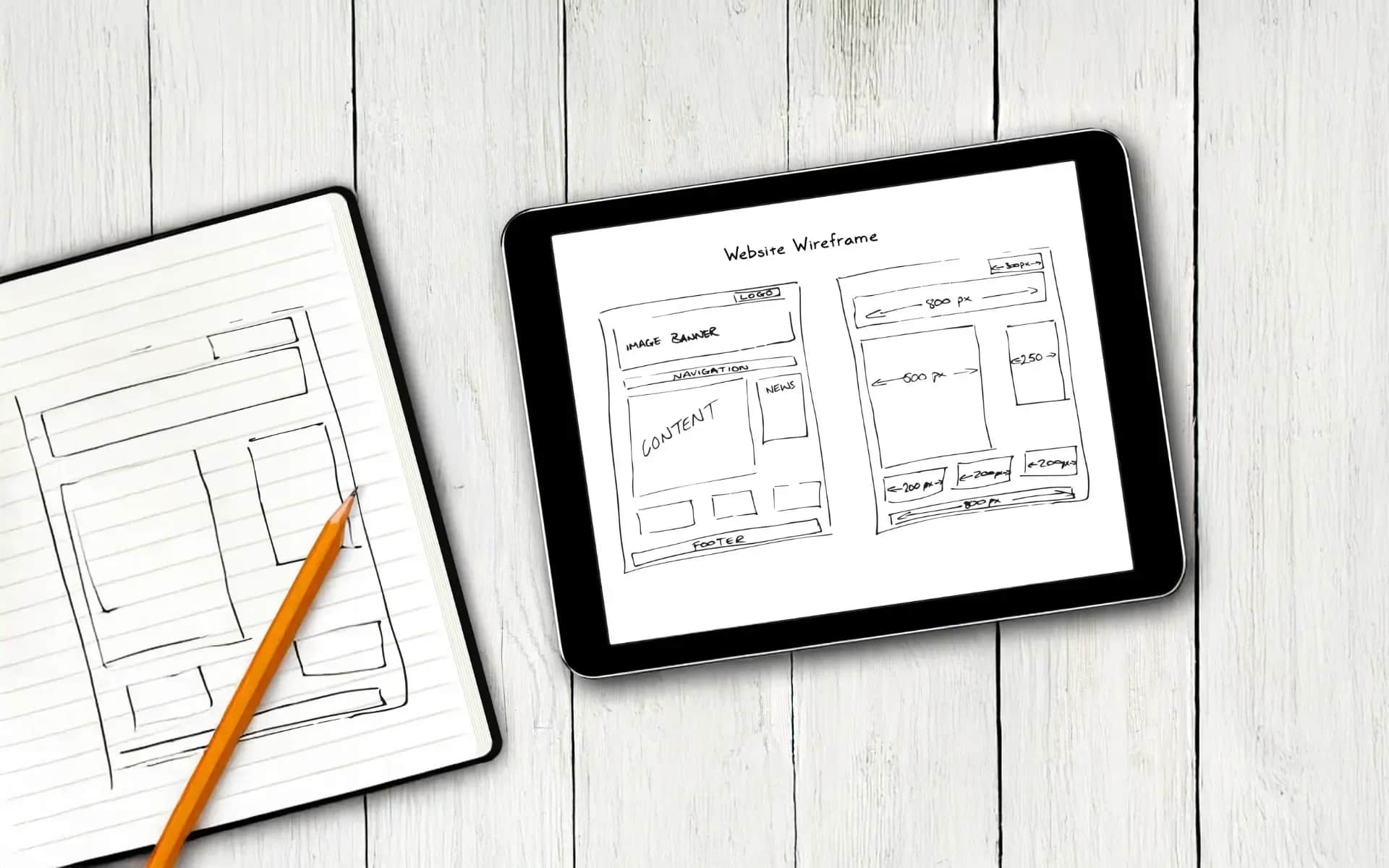
In this category we will show you how to use practical design tools and when which one makes sense: Figma, Sketch, Adobe XD - you'll learn the strengths and weaknesses of each. We'll describe prototyping, wireframing and usability testing with examples from InVision, Marvel or Principle; sometimes a simple sketch on a piece of paper will give an answer faster than a polished prototype.
We will also touch on technical issues: responsiveness (e.g., 320/768/1024 breakpoints), choice of formats for performance (SVG, WebP, optimized PNG), and practices for working with developers on design systems, Storybook or design tokens. We'll discuss tools for analyzing user behavior, such as Hotjar or Crazy Egg - which can suggest directions for change, though in my experience the data itself can sometimes be misleading and should be interpreted with caution.
In addition, you'll find tips on automating work, speeding up plug-ins, and organizing files and resources in a team. All with an eye on small and medium-sized businesses that need practical, cost-effective solutions - not every trendy tool is necessary here.
Articles 1 - 15 from 35 Posts

Cost of websites
What makes up the cost of a website, and what pushes it up
25 Aug 202623 min

15 Jan 202610 min

Software Development
A professional company website - the key to your business success in 2026
14 Jan 202618 min

3 Jan 202615 min

UX/UI design
What is UX/UI design and how to implement it?
2 Jan 202613 min
1 Jan 202616 min

Cost of websites
One-time website costs
30 Dec 202524 min

Responsive Websites
Web site testing - Tools and best practices
27 Dec 202521 min

23 Dec 202521 min

16 Dec 202517 min

14 Dec 202511 min

Marketing on the Internet
KPIs and goals for a website - How to measure success in online business [2026].
3 Dec 202513 min

3 Dec 202515 min

29 Nov 202512 min